Case study 03 / 21CI/CD DevOps
A bilingual user manual that rebuilds itself with each client build
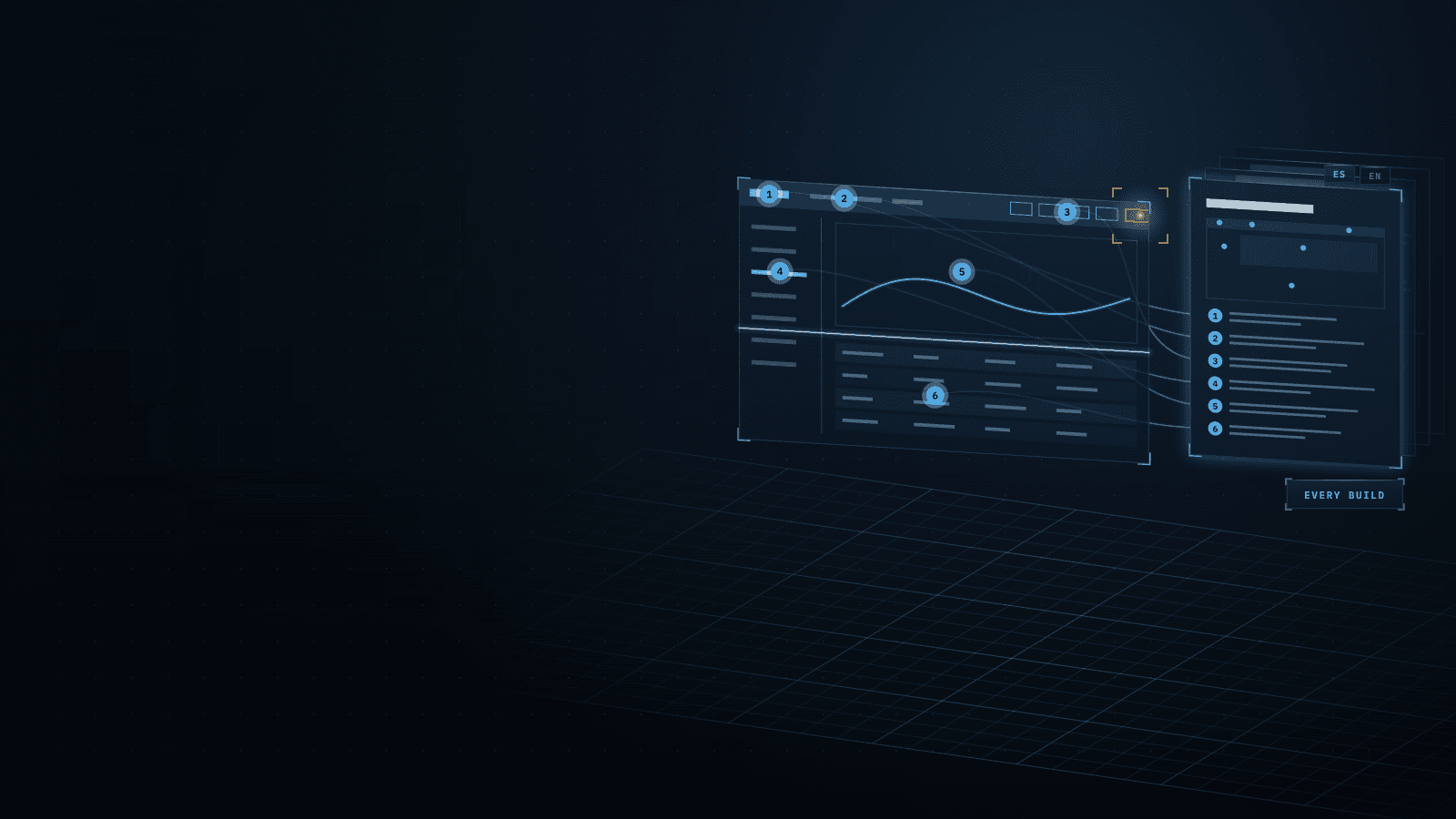
Explains the app's controls on 21 pages in two languages, with markers on 600 screenshots, and rebuilds itself in each client build.
Stack
- Next.js
- React
- MUI
- TypeScript
- Node.js
- Headless Chrome
- next-intl
- WebP
01 · How it works
- TodaytoChanged in this work
- Data flow
What it does
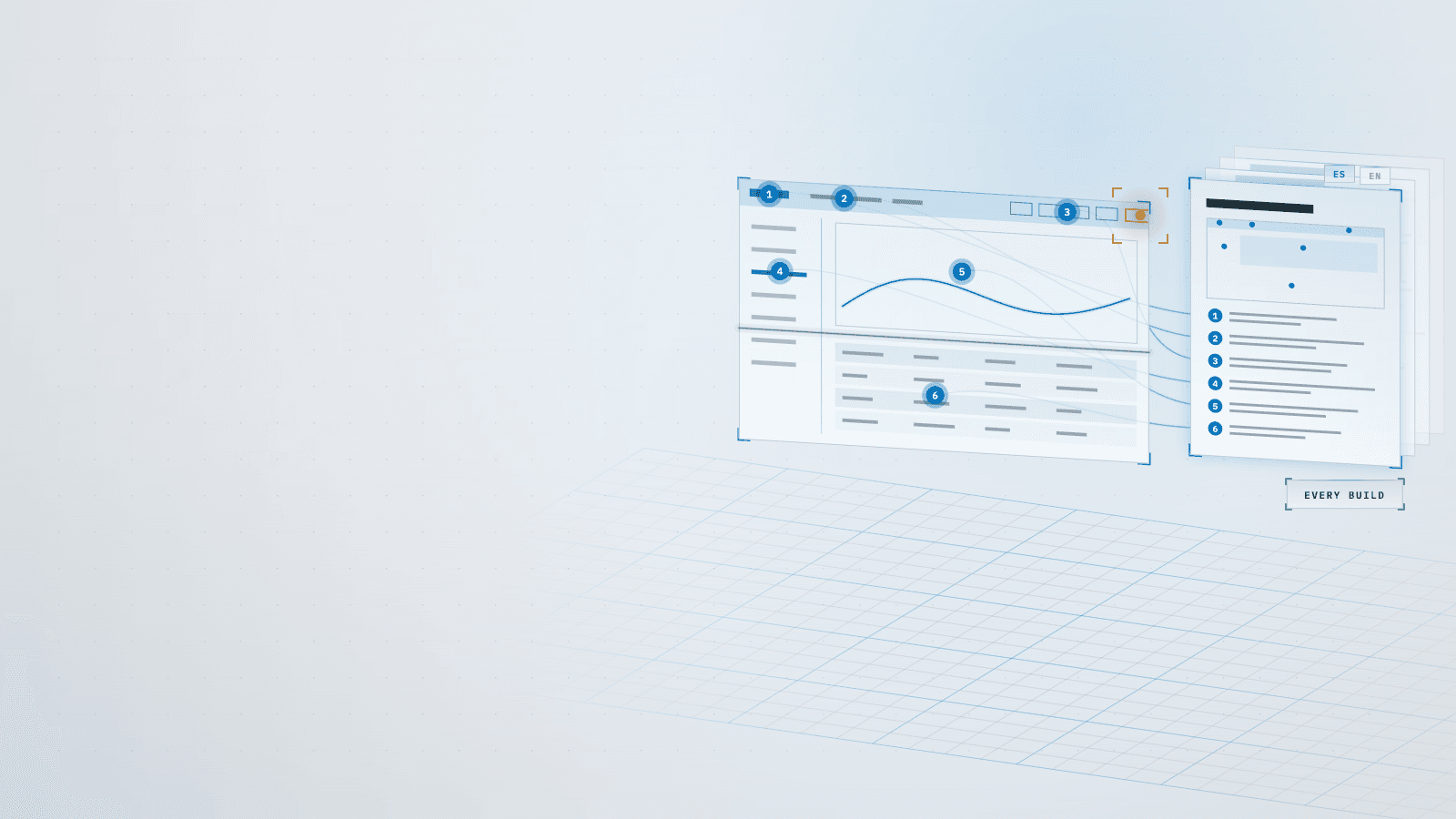
A user manual for the monitoring platform's web app, in Spanish and English and for every role: 21 pages, each screen with its screenshot, a numbered marker on each control with its line of text, and search. I built it so it makes itself: a program walks the app on anonymized sample data, takes the screenshots and places the markers, and each client's build adds the client's name and ships the manual inside the app, behind a “?” on every screen, and as standalone HTML and PDF files.
5 connections· select a part to trace it
- Anonymized sample data to Production app build: answers every API call
- Production app build to Screenshot generator: every page, state and theme
- Screenshot generator to Client build step: shots and marker positions
- Texts in two languages to Client build step: checked: none missing
- Client build step to App user: “?” on each screen, PDF
02Results
- R01Higher is better
Controls and options outside the 3D map, in both languages
Before 0%, after 100%, from zero. Higher is better.BeforeAfter - R02Higher is better
Annotated screenshots, two languages and two themes
Before 0, after 600, from zero. Higher is better.BeforeAfter - R03Lower is better
Top-bar controls clipped across screens and widths
Before 21, after 0, eliminated. Lower is better.BeforeAfter
What it achieved
- Coverage: a 16-page PDF of tables with no screenshots → 21 pages, every control and option outside the embedded 3D map explained in Spanish and English, on 600 screenshots with numbered markers
- Control IDs: 64 clickable elements without a fixed ID → 0, so every numbered marker stays tied to its control
- Upkeep: a static PDF → regenerated in the build for the screens that changed, adding 49 s when nothing did
- Access: one general help menu → a “?” on every screen that leads to that screen's section, a viewer that searches in 1.3 ms, and per language a standalone HTML and a PDF of about 7 MB
Read more
- Guardrails: none → a pull-request check that fails when a control lacks text in either language or a real name reaches the manual; 0 markers hidden and 0 development widgets in the screenshots
- Top bar: 21 clipped controls and 46 overlapping pairs across 39 screen and language views at 9 widths → 0; it now gives way in a fixed order, empty space first and tab labels last
The challenge
The web app's manual was a 16-page PDF of tables with no screenshots, eight months old, and help meant one general menu: only one screen had a help button of its own. Nothing could point reliably at a control either: 64 clickable elements had no fixed ID, and many controls only exist after a click, inside menus, lists and dialogs.
Read more
Even the sample data meant to be anonymous still carried real system names.
Writing the manual then surfaced a defect in the app itself: on medium-width windows the top bar cut controls off without warning. At about 1,064 px, an admin button was clipped and log out fell off the screen, because the right side of the bar always asked for 507 px and a stretched box filled the middle.
What I learned
Measure the measuring tool first. I threw out two inventory runs (one opened lists wrongly, one counted controls from the next page) before 64 elements without an ID became a base I trusted, and the top-bar check reported 45 false clips until it waited two frames for Chrome to paint. Writing a sentence for every control is also a test pass: it surfaced 11 app defects, 7 of them strings shown in only one language.
Read more
Good intentions are not a check: data meant to be anonymous still carried real names, so now a pull-request check fails on any. The first PDF weighed 143.7 MB because the images went in uncompressed; printing from compressed copies brought it to 7 MB.
Stack
- Next.js
- React
- MUI
- TypeScript
- Node.js
- Headless Chrome
- next-intl
- WebP
Skills
- Documentation automation
- Bilingual technical writing
- UI test automation
- Responsive layout
- Release engineering