Case study 10 / 17React Front-End
Performance instrumentation and budgets built into a web client
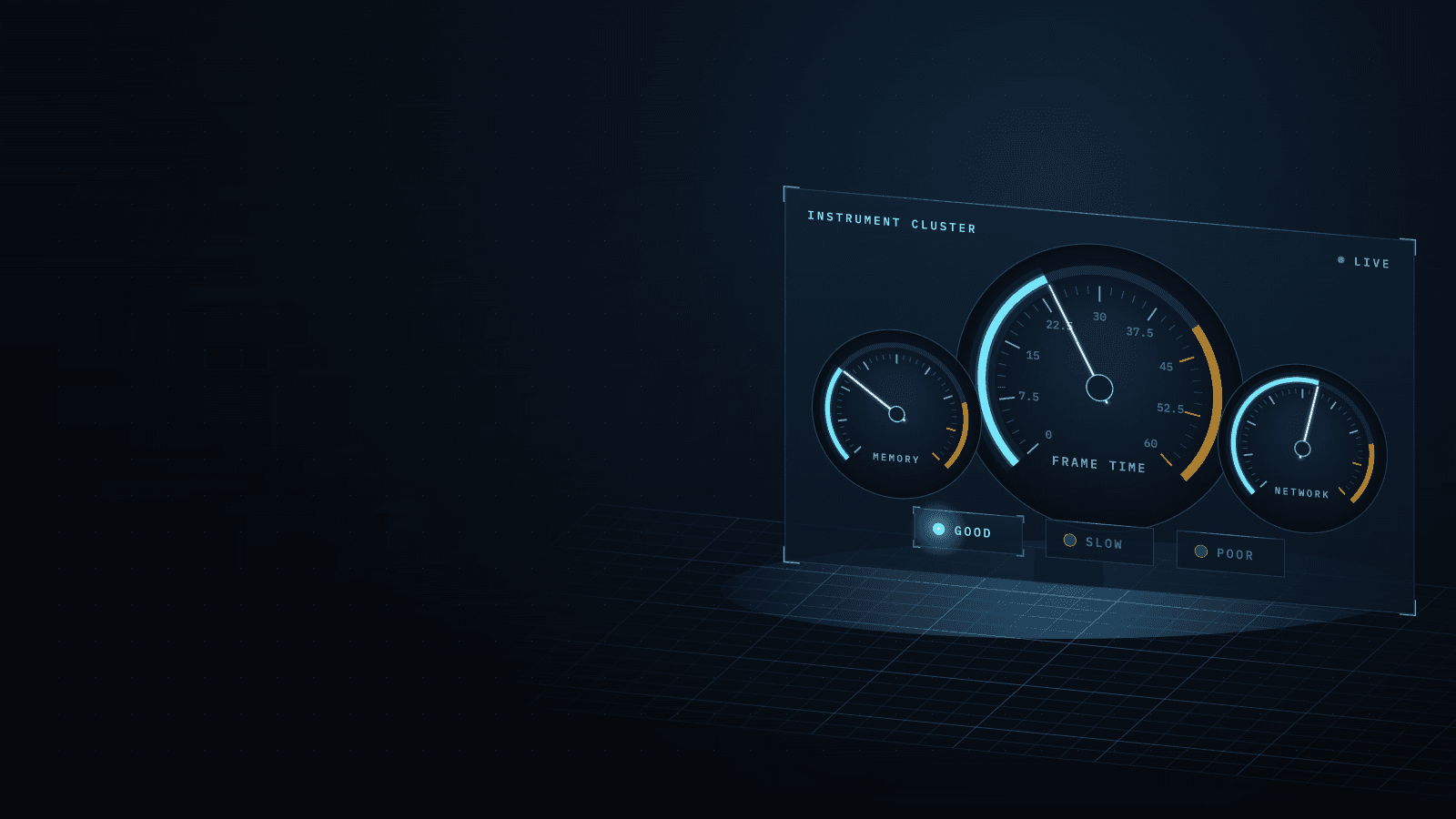
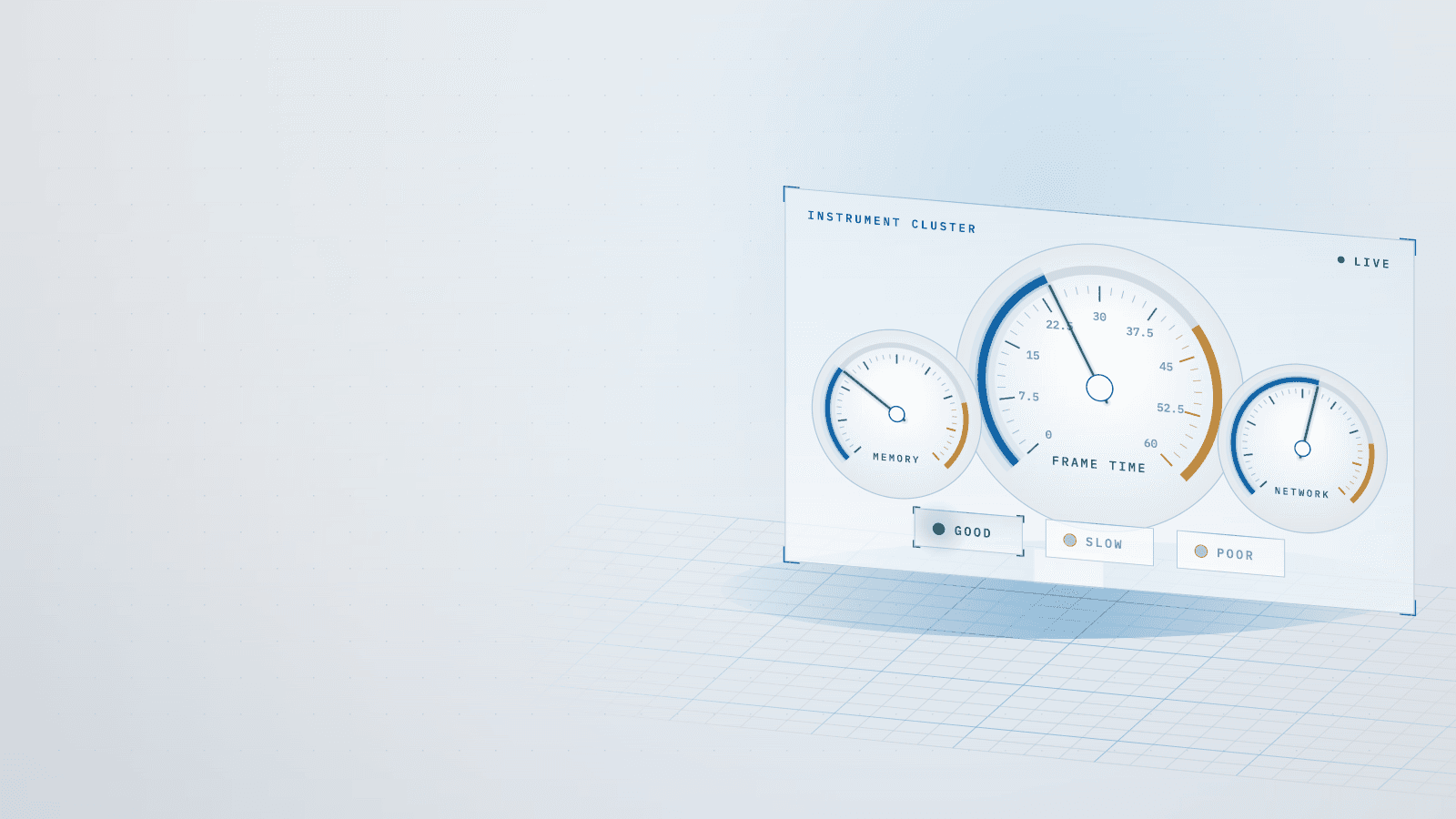
A development-only monitor that traces every page, API route and chart, judges each KPI once and names the file at fault; 0 bytes ship.
Stack
- React
- Next.js
- TypeScript
- Node.js
- Web Performance APIs
- Server-Timing
- IndexedDB
- Puppeteer
01 · How it works
- TodaytoChanged in this work
- Data flow
What it does
A development-only monitor inside the monitoring platform's web client: over the running application it shows whether each part is within budget, where the time goes and whether a change made it worse.
Read more
Every new feature is measured with it before and after, and a build check proves none of its code reaches production. I designed and built it, then used it to bring the application back within its own budgets.
6 connections· select a part to trace it
- Page, API and map probes to Single status judge: current values, up to 4 Hz
- KPI-to-file map to Single status judge: file and hint per KPI
- Single status judge to Status badge: red and amber counts
- Single status judge to Status tab: rows by severity, with file
- Single status judge to Console table: prints the same rows
- Single status judge to Per-minute session log: saves culprit each minute
02Results
- R01Higher is better
API routes with a server-timing breakdown
Before 34%, after 100%, 2.9× higher. Higher is better.BeforeAfter - R02Lower is better
Places that compute a KPI's status
Before 7, after 1, 7× lower. Lower is better.BeforeAfter - R03Lower is better
KPIs in red or sustained amber at rest
Before 60%, after 0%, eliminated. Lower is better.BeforeAfter
What it achieved
- Status logic: seven independent calculations → one status engine, 0 mismatches between badge, header and tab
- Tracing: 34% of API routes with a server-timing breakdown → 100%, and a dedicated probe on every page
Read more
- Chart coverage: 2 of 17 charts with a render probe → 14 of 17
- Health at rest: 9 of 15 KPIs red or amber → 0 of 27
The challenge
The first version collected the right data but could not be trusted to judge it. Eighteen KPIs were spread across ten tabs, and seven modules each computed a status with their own thresholds, so the badge, the header and a tab could disagree about what was red. An instrument that contradicts itself stops being used.
Read more
Coverage was also thinner than its own checks reported: two in three API routes had no server-timing breakdown, most charts had no render probe, and the coverage check passed every page on generic probes. Once the monitor judged consistently, it showed the application failing its own budgets at rest.
What I learned
Treat what the code suggests as a hypothesis and make the instrument prove it; the session log now records the culprit behind every value. The monitor overruled me too: a slower batch flush meant to halve writes had no effect, so I reverted it.
Read more
An amber that never clears warns nobody, so amber now counts only after five sustained minutes. Where a fix would have changed what users see, I kept the visuals and adjusted the budget instead; halving the map tiles' heartbeat cut long tasks from 25 to 5 per minute.
Stack
- React
- Next.js
- TypeScript
- Node.js
- Web Performance APIs
- Server-Timing
- IndexedDB
- Puppeteer
Skills
- Developer tooling
- Observability design
- Instrumentation
- Performance budgets
- Front-end architecture