Case study 04 / 21React Front-End
Live station P&IDs for a pipeline, each drafted from its own data
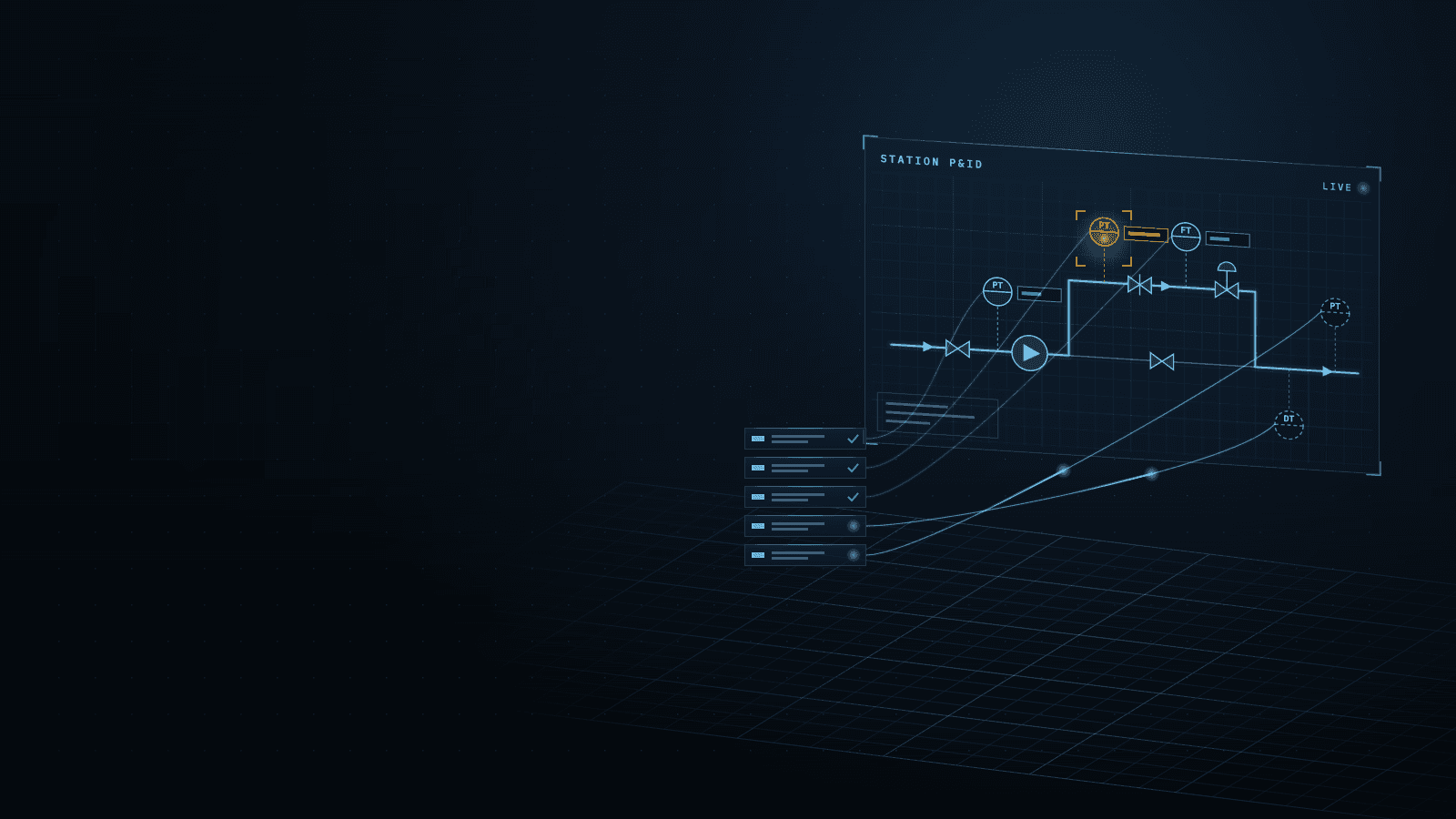
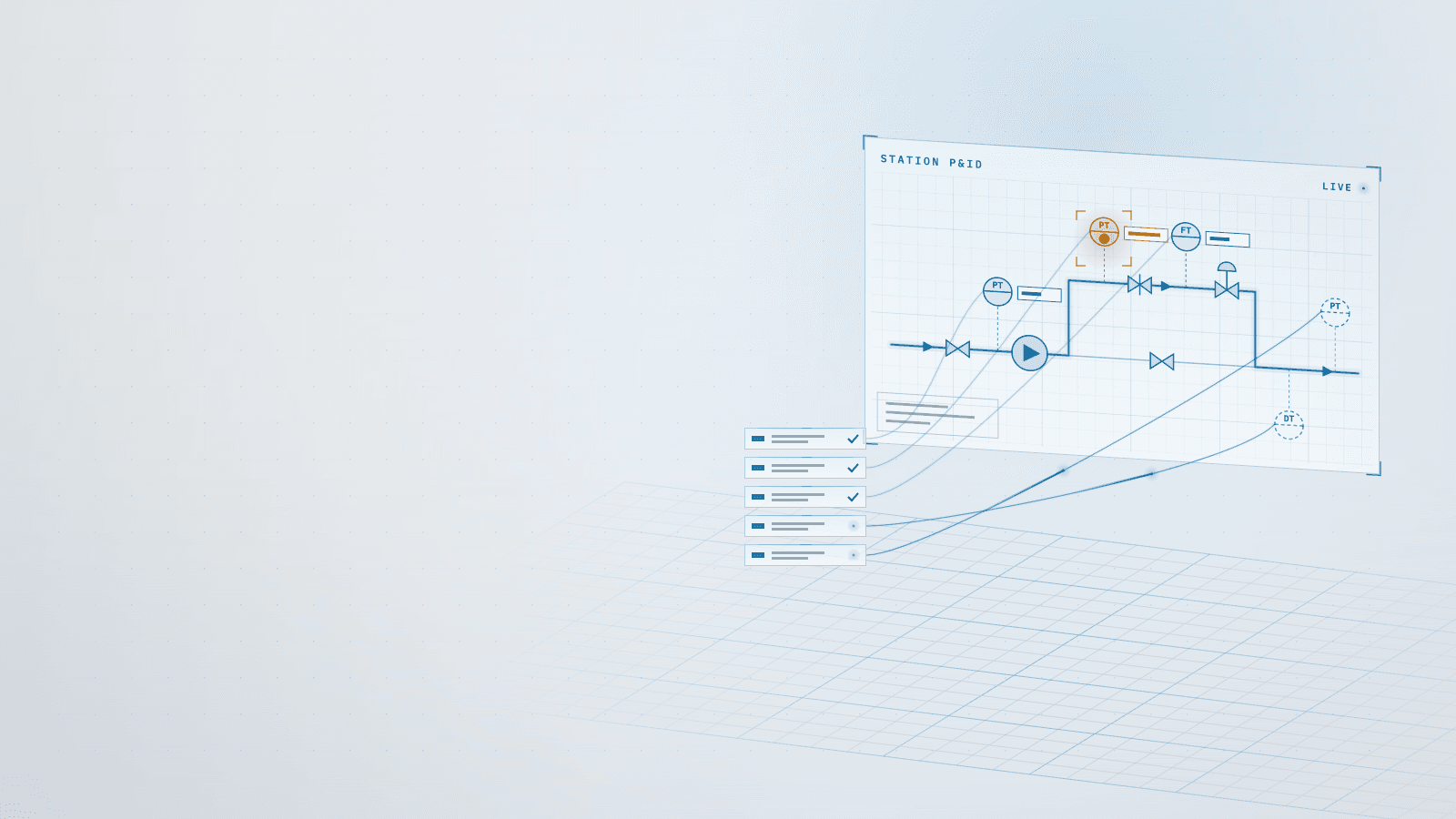
Each station gets an automatic P&ID draft from its own data rows, an editor to correct it and, once saved, a live view for operators.
Stack
- React
- TypeScript
- Next.js
- SVG
- Framer Motion
- MongoDB
- Node.js
01 · How it works
- TodaytoChanged in this work
- Data flow
What it does
A per-station P&ID (piping and instrumentation diagram) for an industrial monitoring platform, opened from the station's summary box on the pipeline profile chart. Clients build each diagram in a configuration editor that starts from an automatic draft made from the station's own data rows, and operators see it with a live value on every instrument, colors by limits and flow drawn only in the branches in use.
Read more
It is drawn in my own SVG with no diagram library, adds no data requests, and offers a classic and a modern lit symbol style behind a switch.
6 connections· select a part to trace it
- Station data rows to Automatic draft: rules by name and unit
- Automatic draft to Configuration editor: first draft to correct
- Configuration editor to Saved P&ID: latest version, per station
- Saved P&ID to Operator P&ID window: own SVG, two styles
- Values the page polls to Configuration editor: live value per row
- Values the page polls to Operator P&ID window: no new requests
02Results
- R01Higher is better
Stations with an automatic P&ID draft (of 91)
Before 0, after 91, from zero. Higher is better.BeforeAfter - R02Higher is better
Station rows the draft places on its own
Before 0%, after 95%, from zero. Higher is better.BeforeAfter
What it achieved
- Clicking a station: a box of numbers → a live P&ID one click away once the client saves one, with limit colors and flow only in the branches in use
- Building a P&ID: from scratch → an automatic draft that places 95 % of 285 station rows, 90–99 % per system
- Live values: none on a drawing → a value on every linked instrument, 0 of 357 missing across 91 stations, with no new data requests
Read more
- Editing: none → a drag-to-pipe editor with 22 components, undo, limits and a way back to the automatic draft
- Look: one flat style → a classic or modern switch with lit symbols, tube-like pipes, state rings and glass value pills
- Editor drag in the modern style: 43 → 34 frames per second, measured and accepted for the look
The challenge
Clicking a station on the pipeline profile opened a box of numbers: no layout, no flow path, no sign of which branch was running. Station data varies widely: 5 rows at a valve station, 14 at a choke station with 5 branches and 3 restrictor rings, 19 at a terminal, and a single level at most stations of a channel.
Read more
The rows carry no instrument type, and on one system 25 of 89 had no unit.
Nothing stored a drawing per station, the existing drag sandbox could not join symbols with pipes, and no data said which branch held which ring. Clients run without internet, so everything had to ship inside the application.
What I learned
A draft beats a template. Rules taken from the real names and units of 346 rows place most instruments; what they cannot read stays visible in an 'other' column, never guessed, and no system is named in code. I planned to show unedited drafts to operators and dropped it mid-build: the button appears only for saved diagrams, and the draft is where editing starts.
Read more
I measured the look first: shared gradients and one blur filter kept painting on par with the classic style, but dragging fell from 43 to 34 frames per second. A screenshot exposed a bug: 6 of 6 instruments without values, because the view stripped the station prefix from row names; one shared row key fixed it.
Stack
- React
- TypeScript
- Next.js
- SVG
- Framer Motion
- MongoDB
- Node.js
Skills
- Industrial HMI design
- Rule-based diagram generation
- Interactive SVG editors
- Performance budgets
- Information design