Case study 14 / 17Data Viz
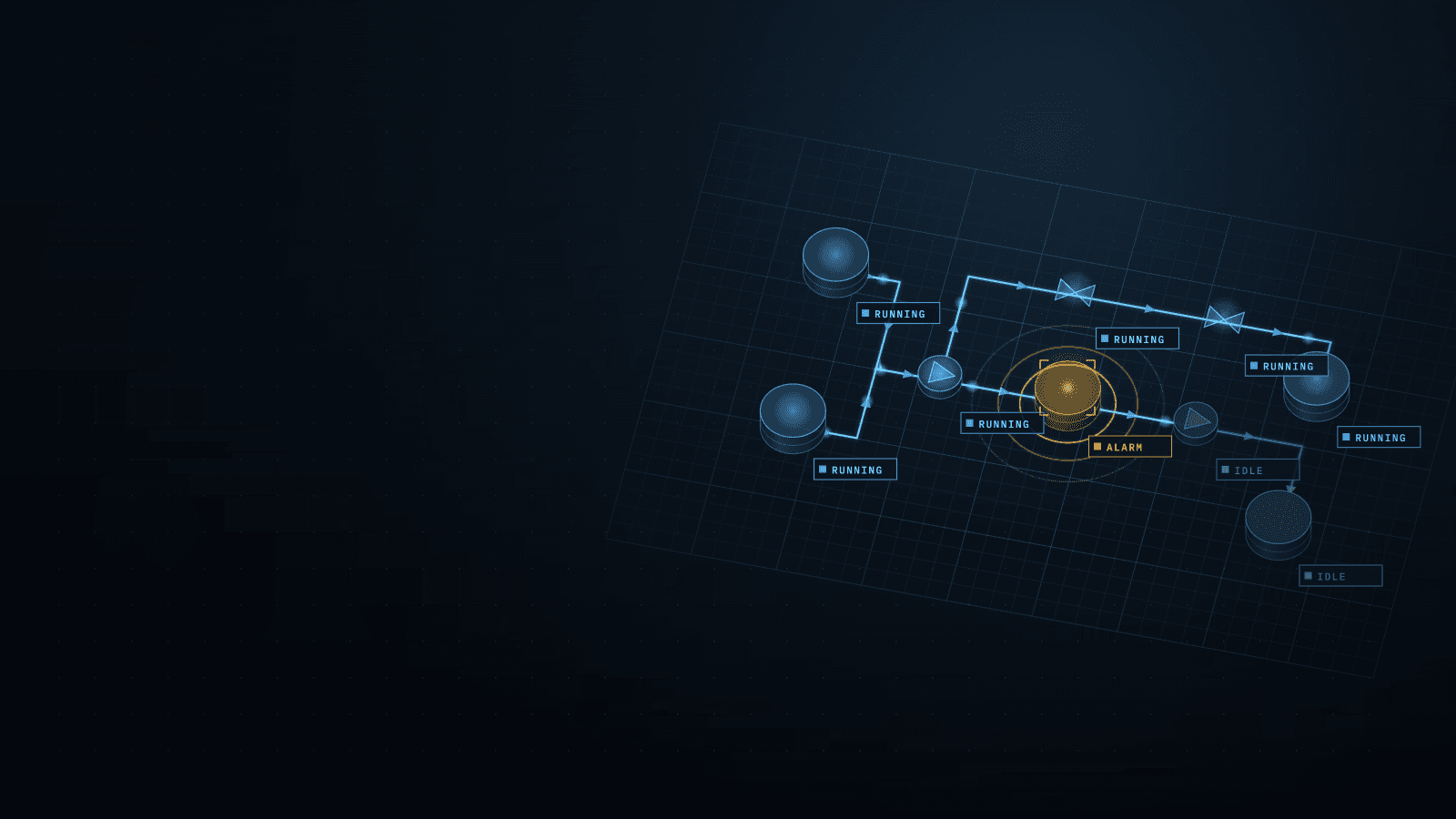
A config-generated live process diagram for pipeline operations
Generates each line's live diagram from its configuration: state as a word and a color first, validated values, zero added API load.
Stack
- TypeScript
- React
- Next.js
- Node.js
- SVG
- CSS animations
- ECharts
01 · How it works
- TodaytoChanged in this work
- Data flow
What it does
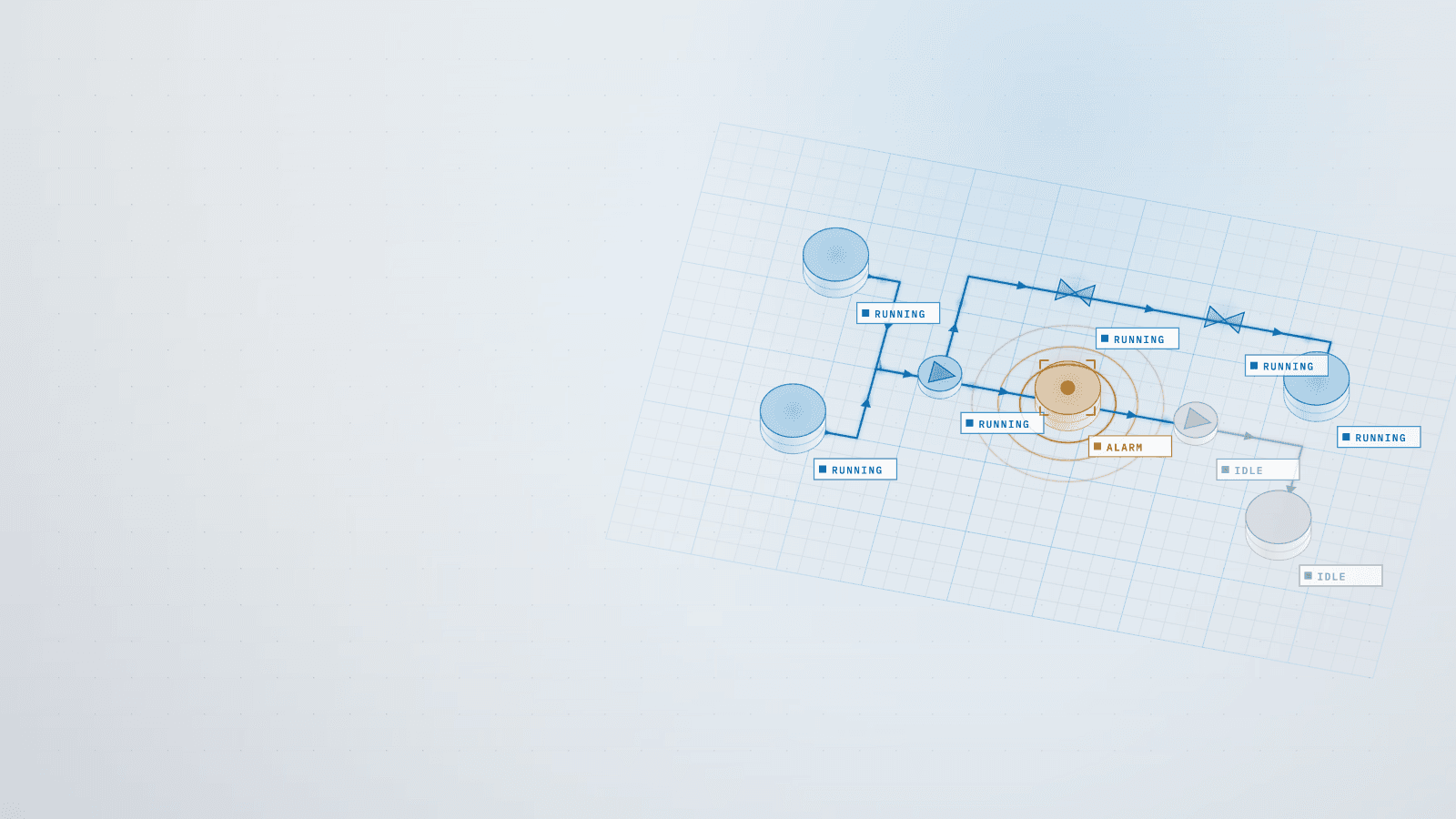
I built a real-time process diagram for the operations panel of the monitoring platform, generated from each system's configuration file. Each station and section shows its state as a word and a color first, then a number with a plain unit, with the engineering values one tap away.
Read more
It is designed for operators, who need to know in seconds whether their line is healthy and, if not, where.
5 connections· select a part to trace it
- System config file to Topology importer: read once, secrets stripped
- Topology importer to Backend API: versioned topology
- Upstream model API to Backend API: polled as before, 0 added
- Backend API to State rules: topology + current values
- State rules to Real-time SVG diagram: word, color, then number
02Results
- R01Lower is better
Rows to scan on the longest system (% of the old table)
Before 100%, after 25%, 4× lower. Lower is better.BeforeAfter - R02Lower is better
Diagram library in the bundle (licensed vs own SVG)
Before 1.06 MB, after 0 MB, eliminated. Lower is better.BeforeAfter
What it achieved
- Each system: a table of numbers → a live diagram generated from its config, with a fallback built from section names
- Reading state: number by number → a word and a color first, backed by 36 tests on real readings
Read more
- Rows to scan on the longest system: one per section → about a quarter as many
- Upstream API load: none allowed → 0 requests added
- Rollout: one view → old and new side by side, with a toggle remembered per user and system
The challenge
The operations panel was a table of everything the upstream model publishes, so on the longest system an operator read one row per section, number by number, to find the one that mattered. Some values misled: one view labeled head as bar, and on one system two-thirds of the stations displayed flow copied from a meter elsewhere as if it were measured.
Read more
Any new view had to cost the API nothing, because polling already ran slightly over its rate limit. A commercial diagramming library was under consideration, but it was heavy, licensed per domain and rendered outside the application's theme.
What I learned
Validate the data before you color it. I checked the panel's values from first principles: head loss per unit length matched the head difference over distance within 0.5%, which established which values could safely carry a color.
Read more
Gray means normal, so color keeps its meaning and appears only where attention is needed. I dropped the commercial library: automatic layout solves a problem that a line of stations with known positions does not have. Keeping the old view one toggle away made adoption safe.
Stack
- TypeScript
- React
- Next.js
- Node.js
- SVG
- CSS animations
- ECharts
Skills
- Information design
- Data visualization
- Config-driven UI
- Engineering data validation
- Incremental rollout