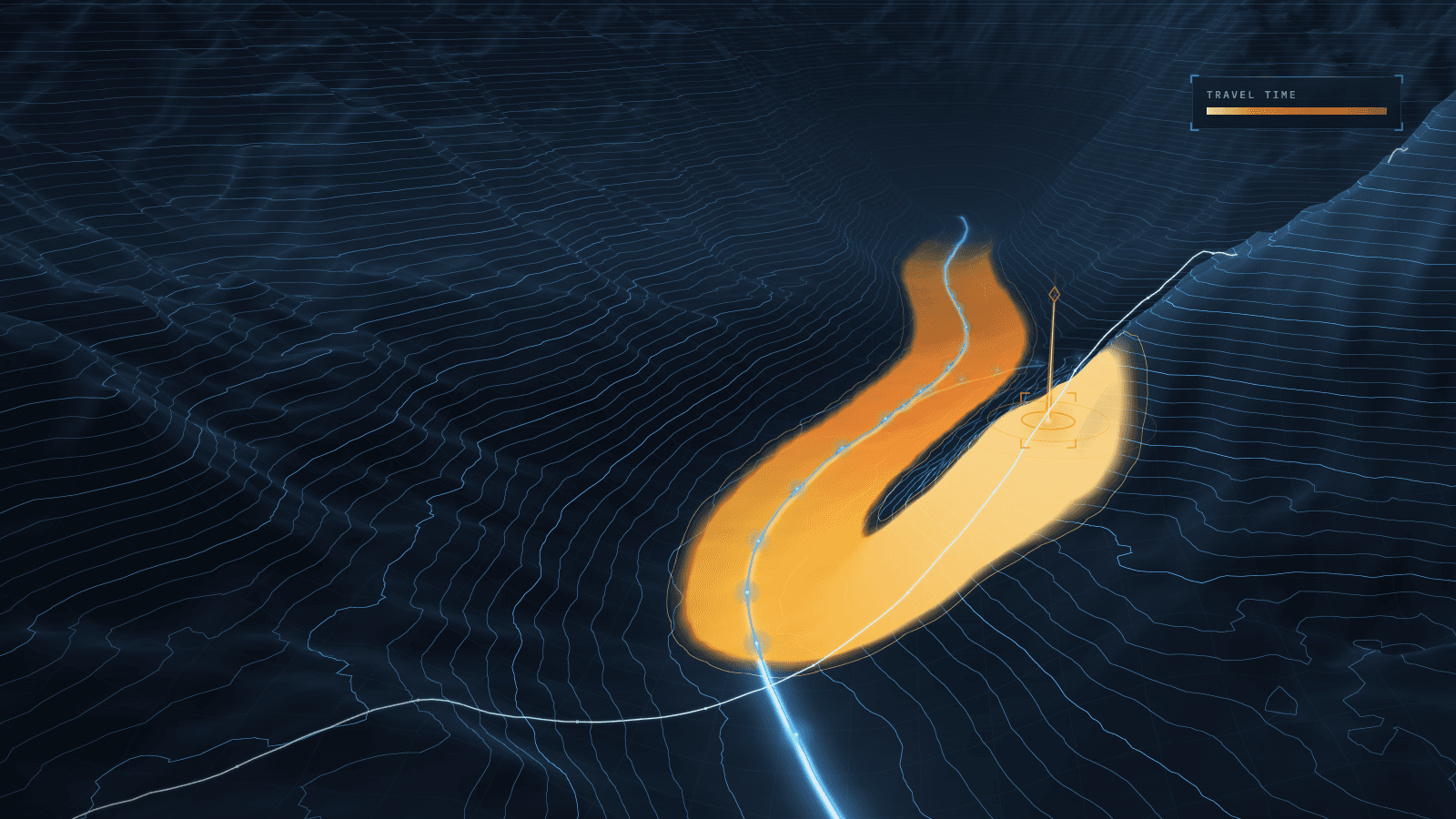
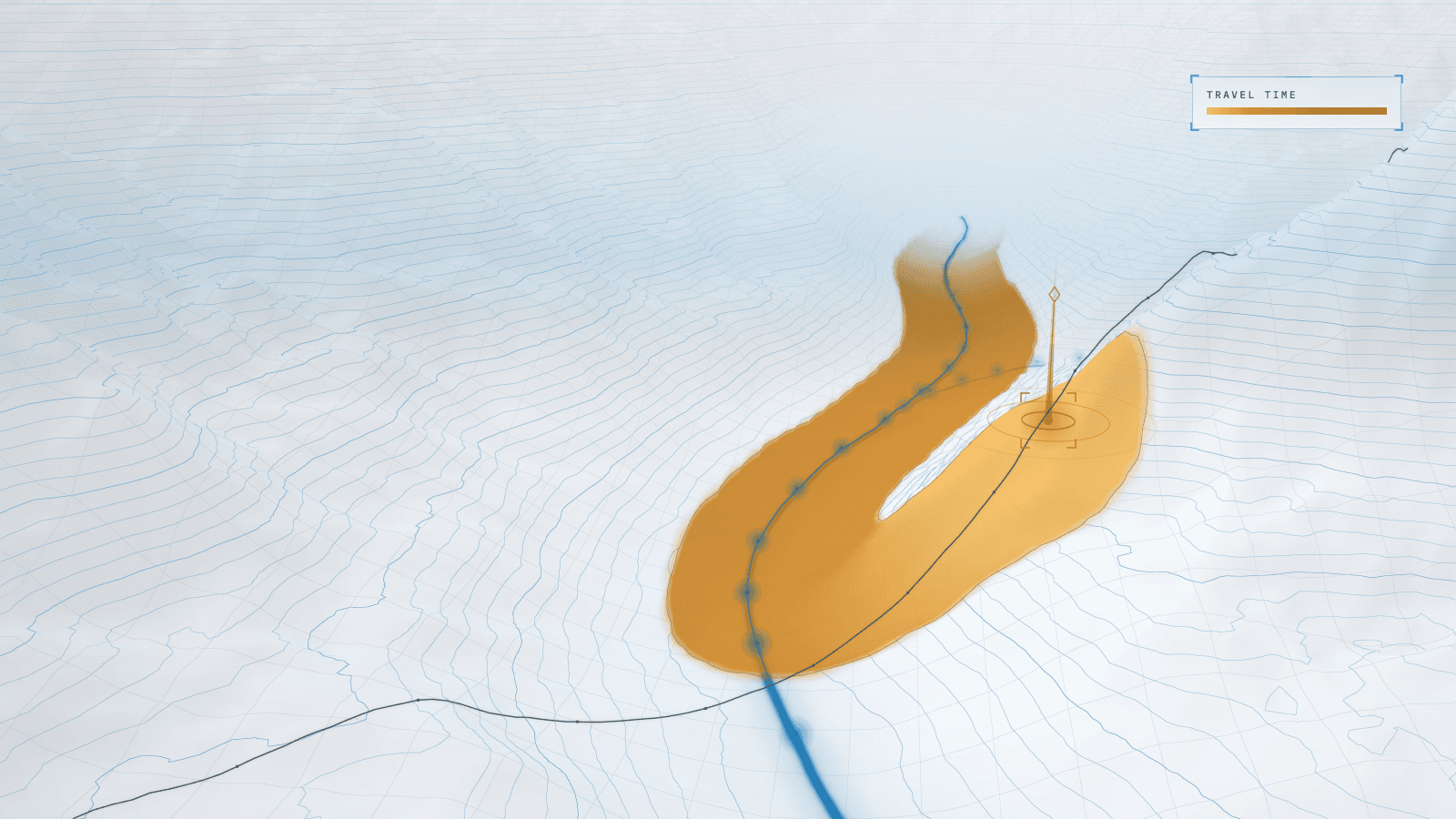
Case study 04 / 17JS Front-End
Real-time rendering architecture for a browser-based 3D spill twin
Re-architected how a validated spill model reaches the screen: physics in a Web Worker, geometry built once, playback paced by the front.
Stack
- JavaScript
- CesiumJS
- WebGL
- Web Workers
- ImageBitmap
- Node.js
01 · How it works
- TodaytoChanged in this work
- Data flow
What it does
An offline, browser-based 3D twin that shows where fluid escaping from a pipeline system or a channel would travel over real terrain, how far it spreads and how deep it settles.
Read more
It runs with no server and no network, as a guided what-if tool for engineering audiences. I re-architected the path from simulation output to pixels and left a validated physics model exactly as it was.
5 connections· select a part to trace it
- Leak inputs to Worker: physics + raster: leak point, rate, fluid
- Worker: physics + raster to Main thread: path, thickness, halo image
- Main thread to Ground shape + halo: builds geometry once
- Playback clock to Ground shape + halo: each tick: attributes onlychanged
- Ground shape + halo to 3D map: draws on the terrain
02Results
- R01Lower is better
Main-thread rasterization per scenario
Before 1.7 s, after 0 s, eliminated. Lower is better.BeforeAfter - R02Lower is better
Largest spill-front jump per 60 Hz frame, in cells
Before 7, after 0.25, 28× lower. Lower is better.BeforeAfter - R03Higher is better
Physical pixels rendered at 150% display scaling
Before 44%, after 100%, 2.3× higher. Higher is better.BeforeAfter
What it achieved
- Architecture: physics and rendering on one thread → physics and rasterization in a Web Worker, byte-identical output, main-thread fallback
- Main-thread rasterization per scenario: about 1.7 s → 0
- Ground geometry: rebuilt on every tick → built once, updated through attributes only
Read more
- Playback: front jumps of up to 7 cells per frame → a steady ¼ cell, paced by the front itself
- Rendering on scaled displays: 44% of physical pixels → 100%, with a deposit that reads as ground
- Demo surface: nine controls → four plus a menu
The challenge
The obvious target was the model. Profiling pointed elsewhere: converting its output into pictures cost about 40 times the physics, all on the main thread, with every frame rasterized as its own image layer and the ground geometry rebuilt on every tick.
Playback carried a modeling flaw as well. A linear clock spent most of the front's advance in the first moments, so the front jumped up to seven cells in a single frame and then stalled, which misrepresents how a release propagates.
Read more
On scaled displays the canvas rendered only 44% of its physical pixels, the deposit read as a glow rather than as ground, and nine controls stood between the audience and the scenario.
What I learned
Profile before touching a model. The cost lived downstream, so the right decision was to leave a validated simulation alone and re-architect around it; because it never touched the page, it moved to a worker unchanged, and byte-identical output proved the move safe.
Read more
Playback pacing is a modeling decision, not a cosmetic one. I measured and dropped a wet-sheen shader and a slower playback. Automated checks do not see a picture: a structured visual review caught four faults that every test had passed.
Stack
- JavaScript
- CesiumJS
- WebGL
- Web Workers
- ImageBitmap
- Node.js
Skills
- Rendering architecture
- Web Workers and concurrency
- 3D geospatial visualization
- Simulation playback design
- Visual quality assurance